v0.6.5
A backup AI for when your daily limit runs out
Hit the daily limit on your own AI key and Wispra now keeps going with a backup model instead of stopping.
New
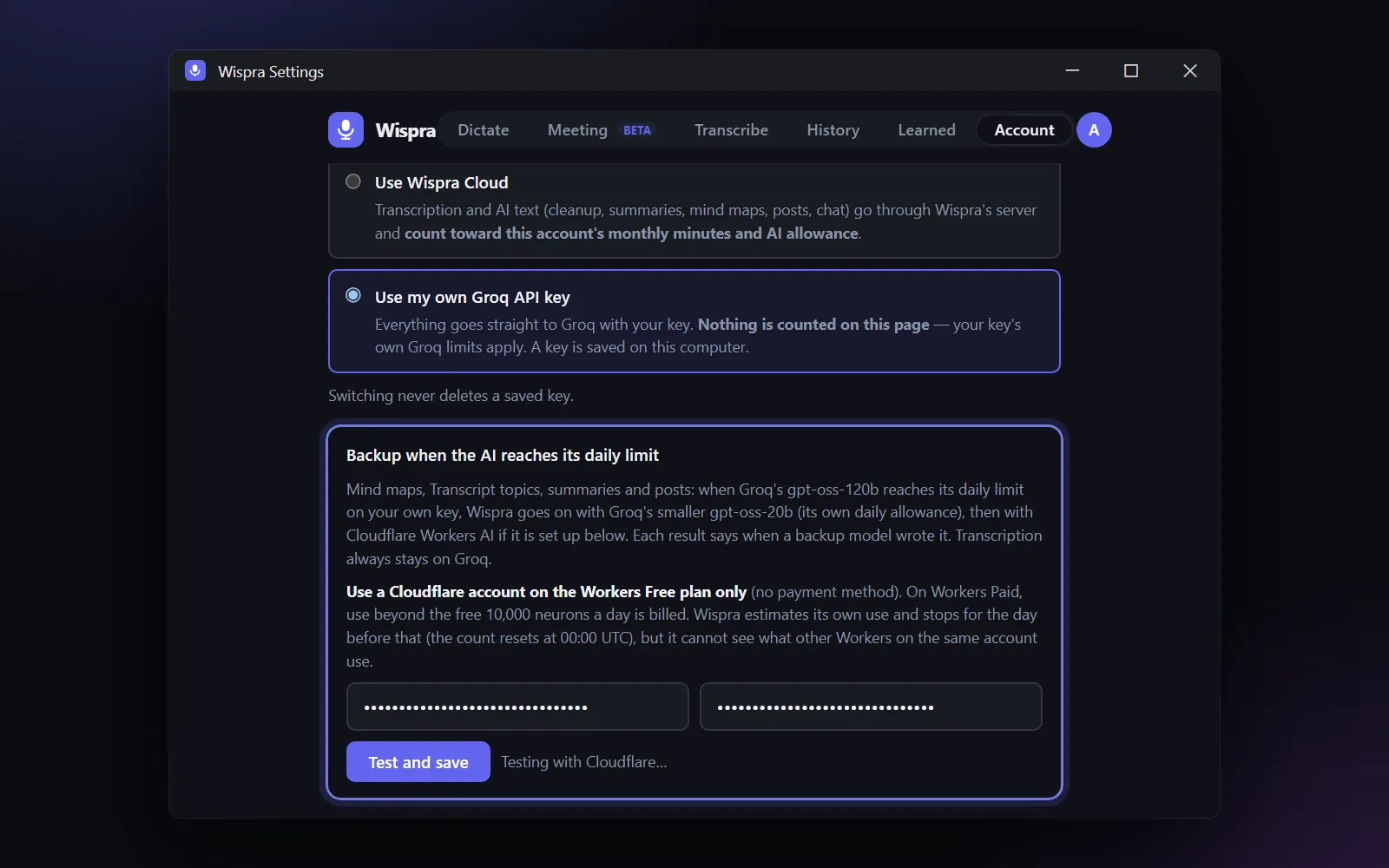
- Backup AI when the daily limit is reached. Mind maps, topics, summaries and posts carry on with a smaller Groq model, then with Cloudflare Workers AI if you set it up. Anything a backup model wrote is labelled as such.
- Cloudflare Workers AI as a free backup. Add your Cloudflare Account ID and an API token under Settings → Account. Wispra tests them before saving, never shows the token again, and stops for the day before the free allowance is used up.
Improved
- Older recordings no longer start the AI on their own. Only new recordings get topics and action items automatically; older ones show a "Create topics and action items" button, so browsing old meetings no longer eats your daily allowance.